

I had a white paper I’d created with NotebookLM sitting in Google Drive — seven pages about the architecture of network disinformation. Six sections of dense content. The kind of document that would normally take hours to transform into presentation slides. So I decided to test Gamma to see if it could handle that translation.
Setting it up and watching it work
I’ve used Gamma before with PDF uploads, but I’d never tried the Google Drive import. The setup was quick — I connected my Google account, selected the white paper, and Gamma extracted all seven pages of text automatically. I chose “freeform” mode over “card by card” (we don’t have time for manual slide configuration in a demo) and picked a few settings: concise text density, dark visual theme, AI-generated illustrations.
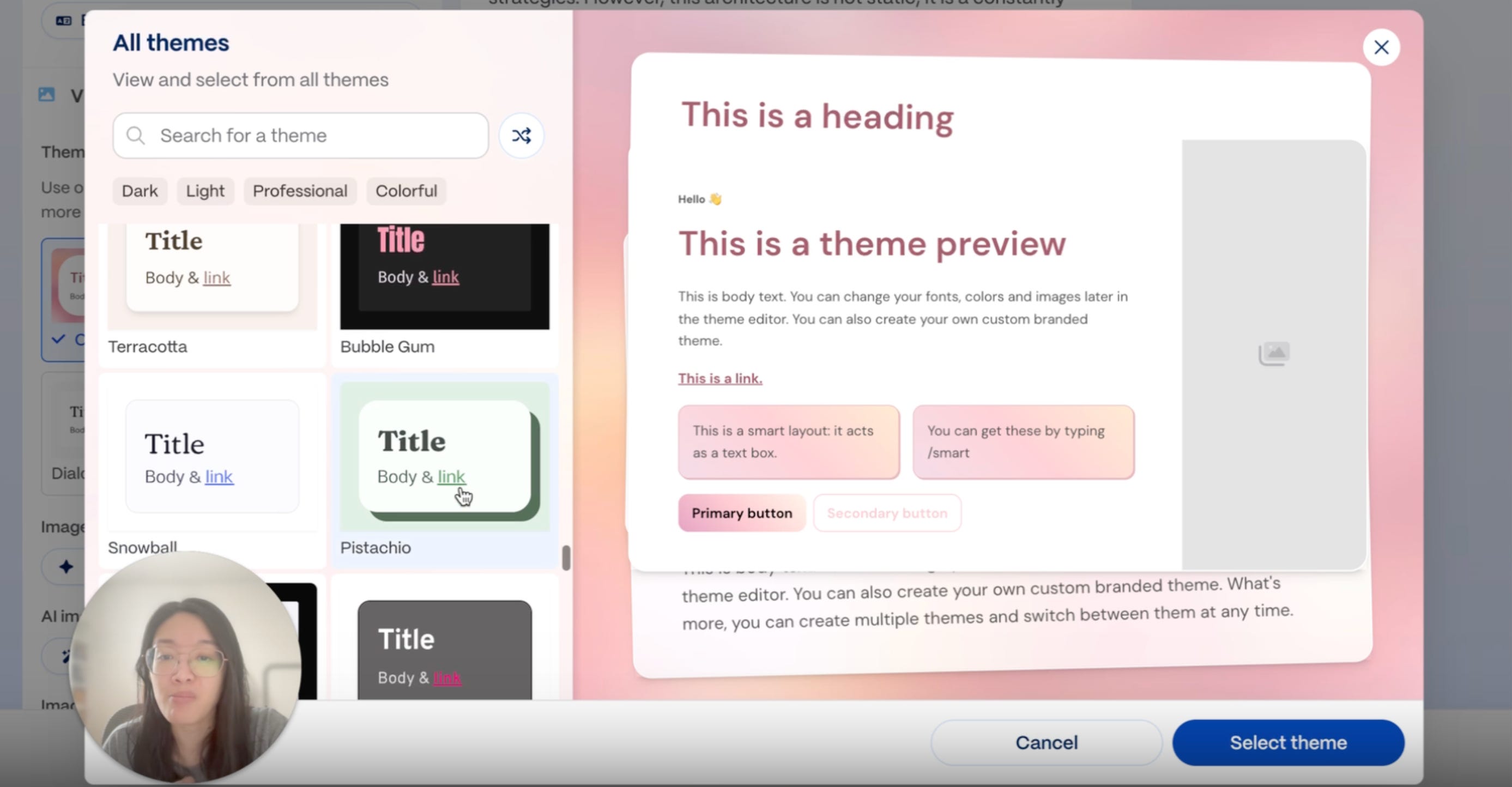
No thanks to my indecisiveness, the theme selection took longer than it should have. The pink option looked nice but too playful for a disinformation topic. I scrolled through others, eventually landing on something darker and more architectural.
Once I hit Generate, I could watch it creating the slides in real-time. Title page appeared. Then organizational blueprint. Then tables. Charts. A pyramid diagram showing hierarchy. Phase playbooks. AI-generated images. Less than 30 seconds for all ten slides! That speed was truly impressive.
For comparison, NotebookLM gives me gorgeous, robust slides too, but I don’t see what’s happening behind the scenes. I basically go from prompt to final output with this gap in between where I’m just crossing my fingers while looking at the loading spinner. With Gamma, I’m watching the AI make decisions about what components to use. It’s like the difference between ordering food and receiving the final dish versus watching it being cooked right in front of you. There’s something magical about seeing how everything unfolds.
The part that matters more than the output
Once the slides got generated, I clicked into presentation mode to see how they looked full-screen. Everything formatted cleanly. Responsive design adjusted well. But the initial output isn’t really the point.
Gamma gives you a V1 version, and then you have full ability to customize and refine from there. You can modify components, revise text, add charts, smart diagrams, images, videos, even embed apps and webpages. The AI hands you building blocks (not a finished product), and you adjust based on what you actually need.
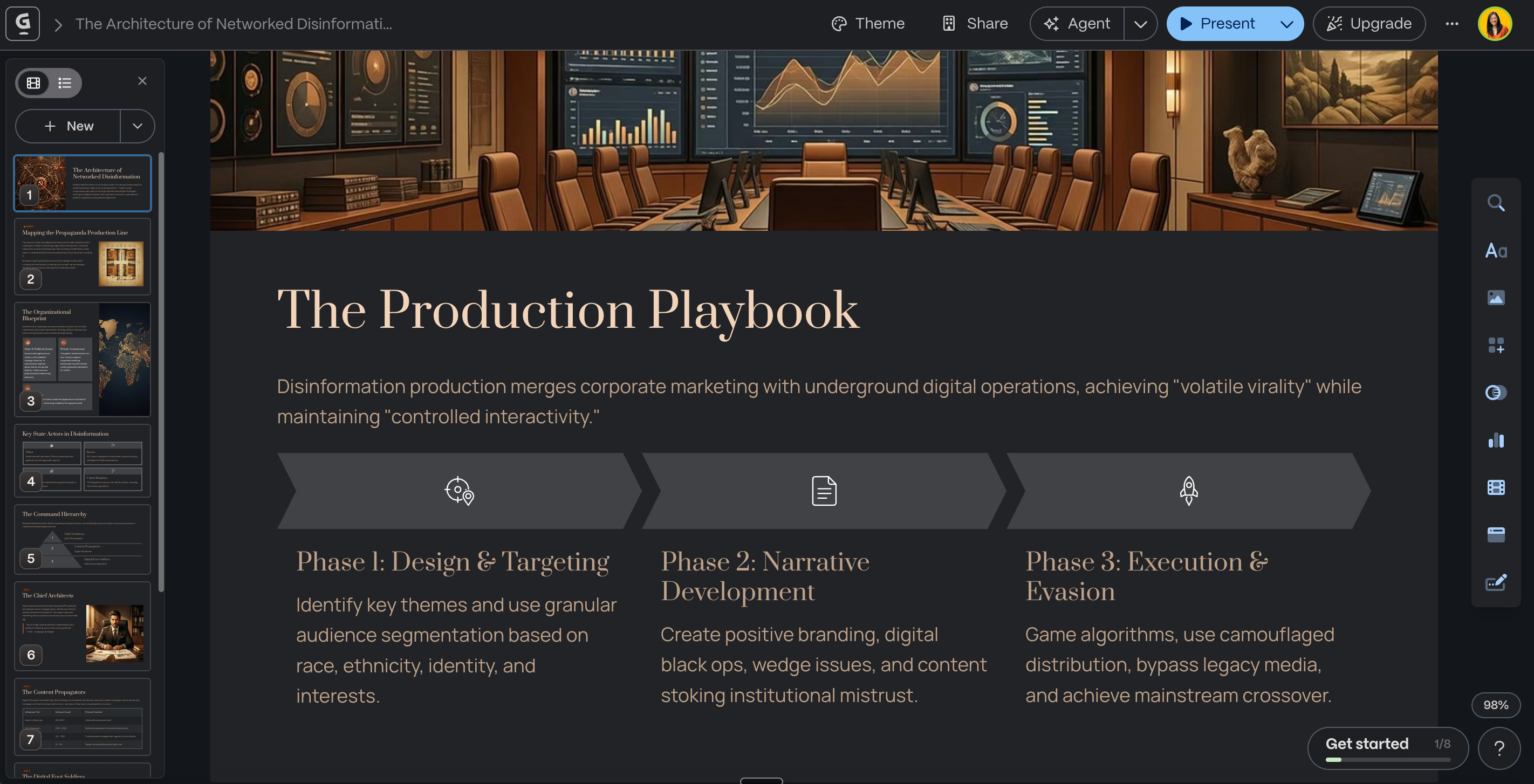
NotebookLM creates beautifully designed slides, but you can only export them as a PDF. You can’t adjust the content, the sequencing, the images used. You could do more iterations on the prompting itself and hope the AI gets it right next time. With Gamma, if the first pass misses, you can either re-prompt entirely or just start editing the blocks directly. That’s a different interaction model — one that assumes you’ll want control after the initial generation.
When translation actually matters
I personally like creating presentations. Before AI, I liked the rigor it takes to really understand and articulate what goes on a particular slide, how you structure information, how you make it visually engaging enough to hold people’s attention. That process forces clarity in a way that other formats don’t.
But I also recognize that process is tedious. A lot of the content we use to create presentations already exists in a different format. Google Docs. White papers. Research notes. We’ve already done the hard thinking and articulated our thoughts in one medium. What we need is translation into something more visual.
That’s where AI actually helps. If you’ve done the thinking already, if the structure and arguments and content exist somewhere, getting AI to move you from a blank page to something workable saves hours. Even if I enjoy creating presentations manually, if I don’t have the time (which, let’s be honest, is most of the time), Gamma gets me to a place where I can just make minor modifications instead of starting from scratch.
I didn’t audit the content deeply in this demo — that wasn’t the point. I like that Gamma gets you from zero to something workable incredibly fast, and then you have full control to refine from there. When the thinking is already done and you just need a different format, that speed matters.
Have you tried Gamma or similar AI presentation tools? When you’ve used them, did you find yourself editing heavily afterward, or did the first version land close enough?
When you’re translating existing content into presentations, whether that’s documents, notes, or research, where do you see AI being most helpful versus where you still prefer to do the work manually?


